See what you play.
Plug in any MIDI keyboard and MIDICast turns your playing into something you can see: a live chord halo, sessions you can replay note-for-note, and a practice companion that watches you grow.
 Free to download · iPhone & iPad
Record it. Keep it. Get better.
MIDICast does three things with your playing: captures every session as you record, keeps it in a library you can replay note-for-note, and turns it into practice that adapts to you.
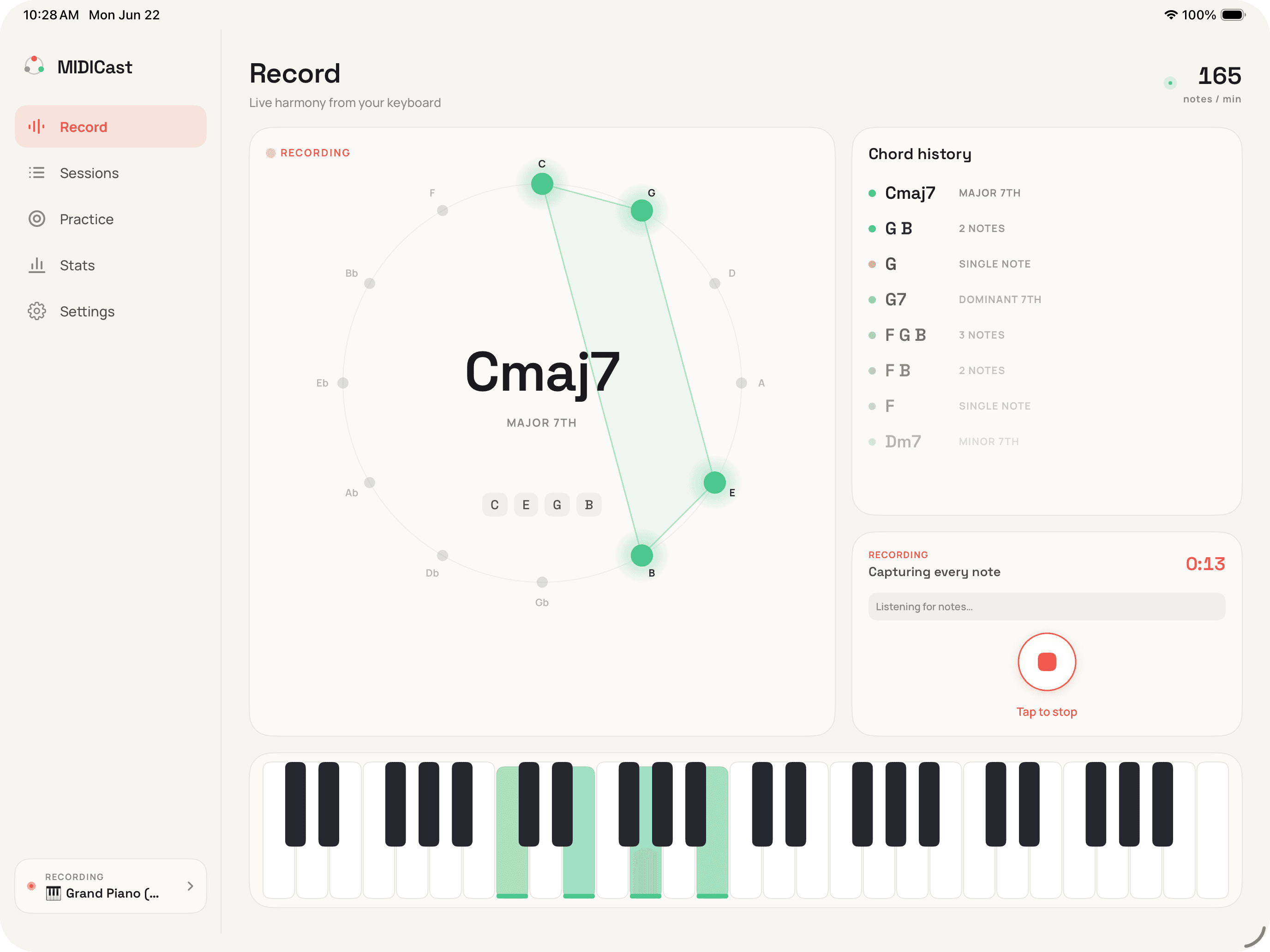
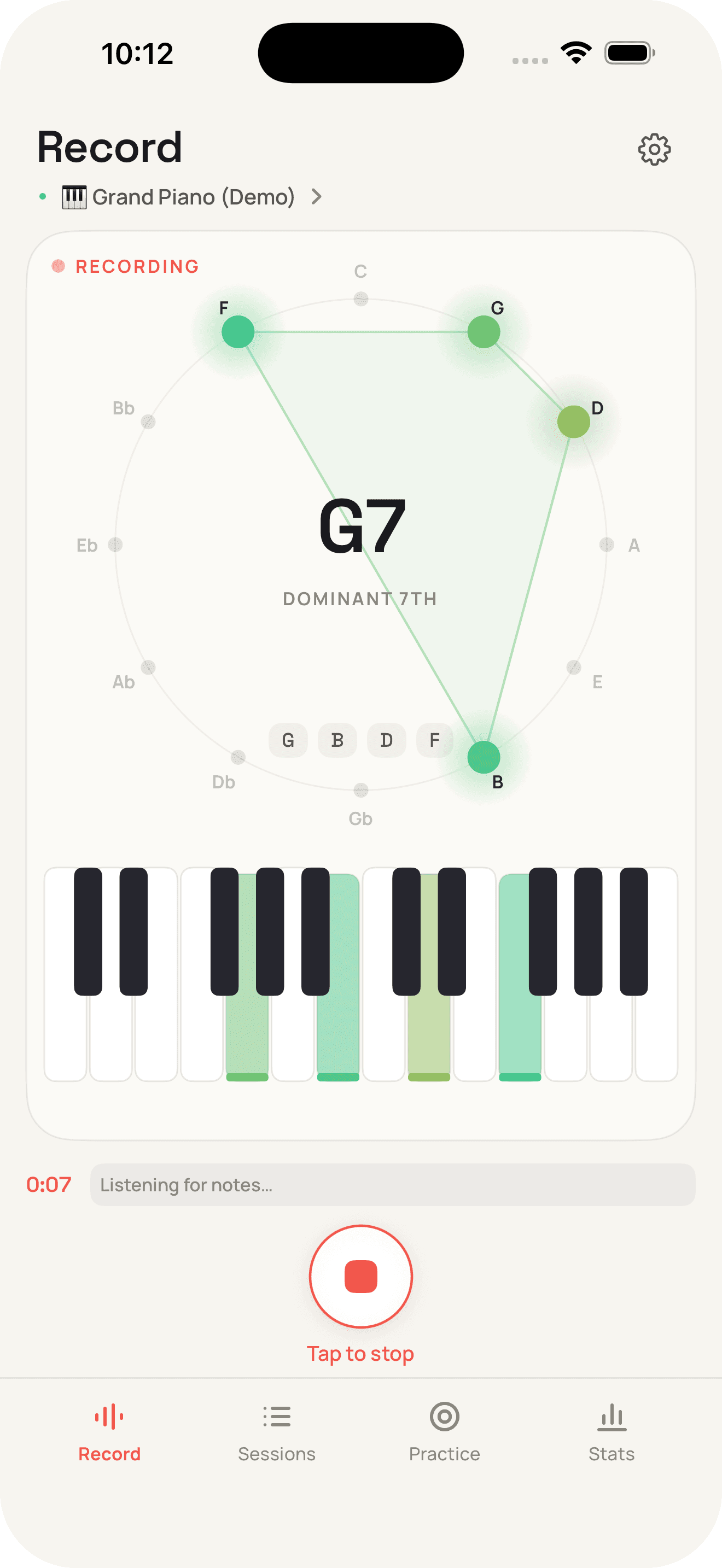
Record · Play, and it's captured
A live chord halo shows what you're playing the moment you touch the keys. Hit record and the whole take is saved note-for-note: every note, its velocity, the key and chords MIDICast hears.
Library · Every take, kept and replayable
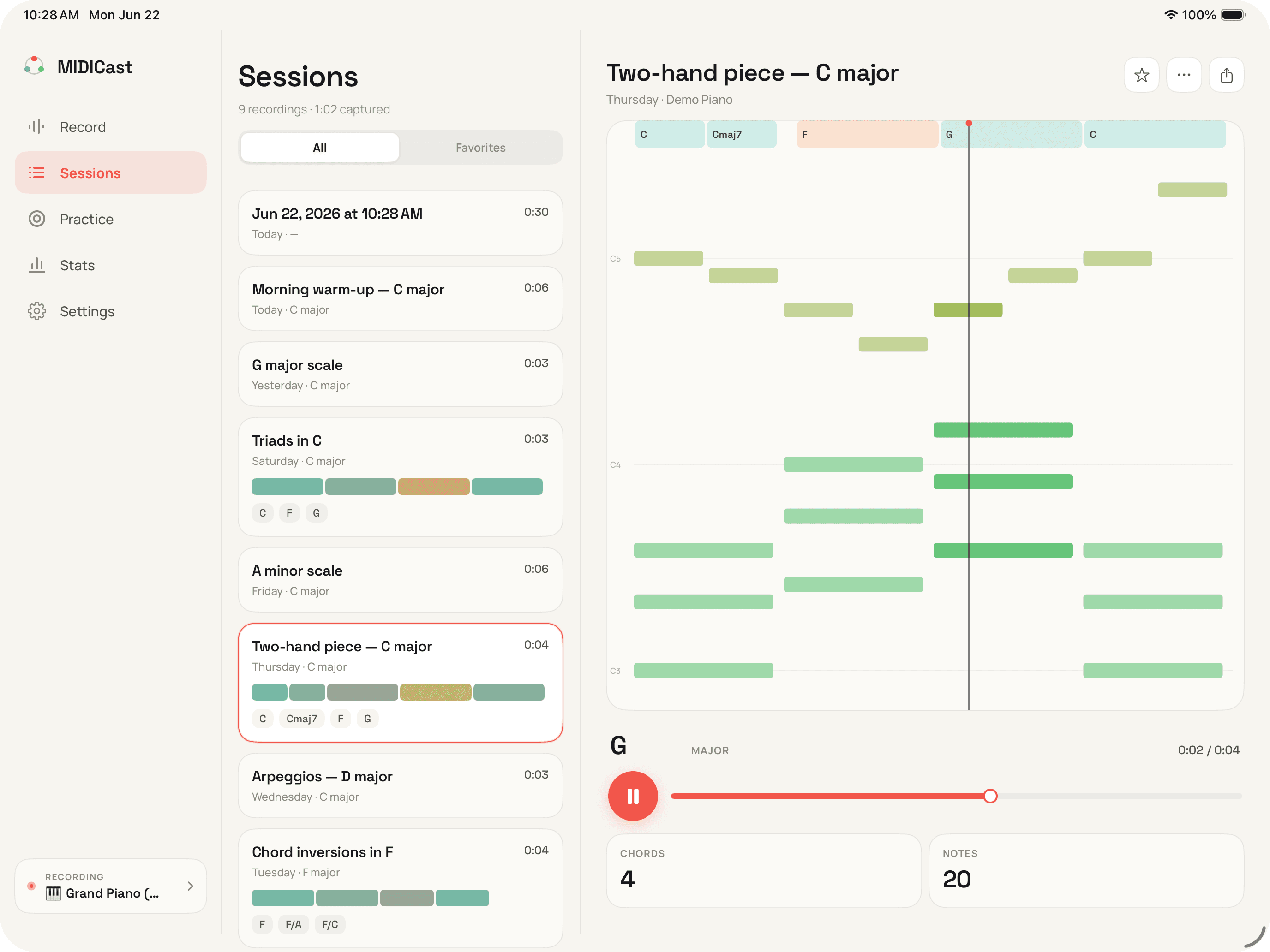
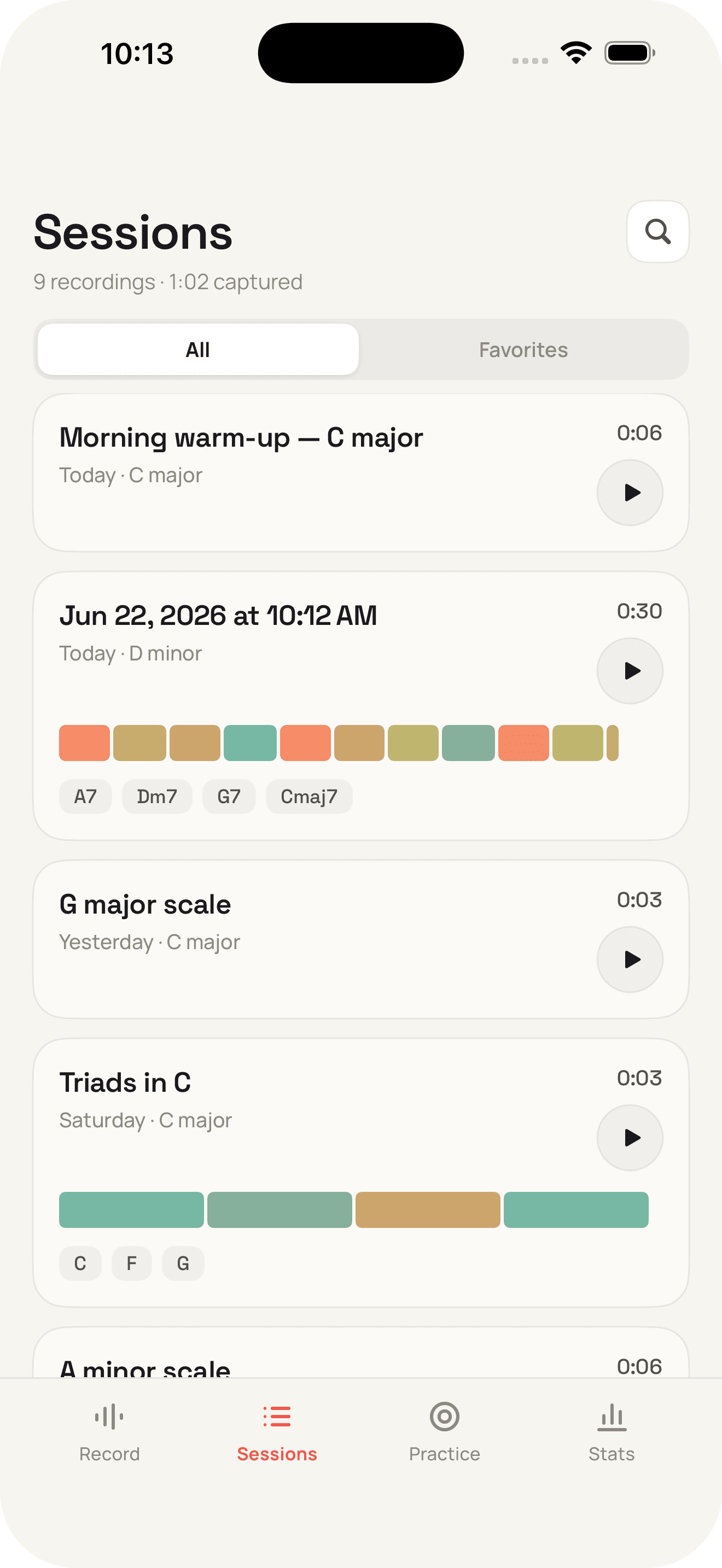
Your sessions stack up in a library, each one colored by the feel of your touch. Open any take to replay it on a piano-roll, chord track and all, or export the MIDI.
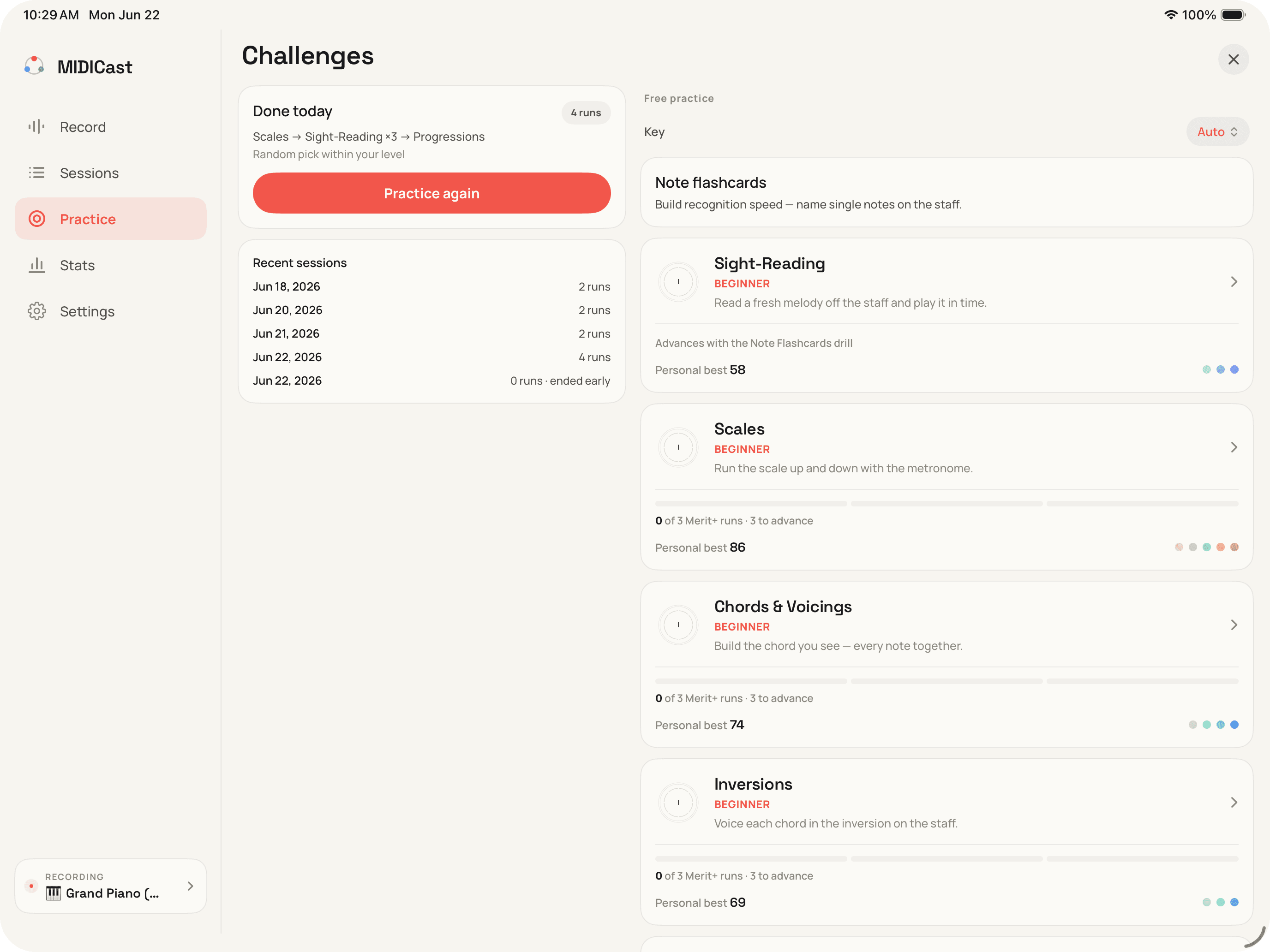
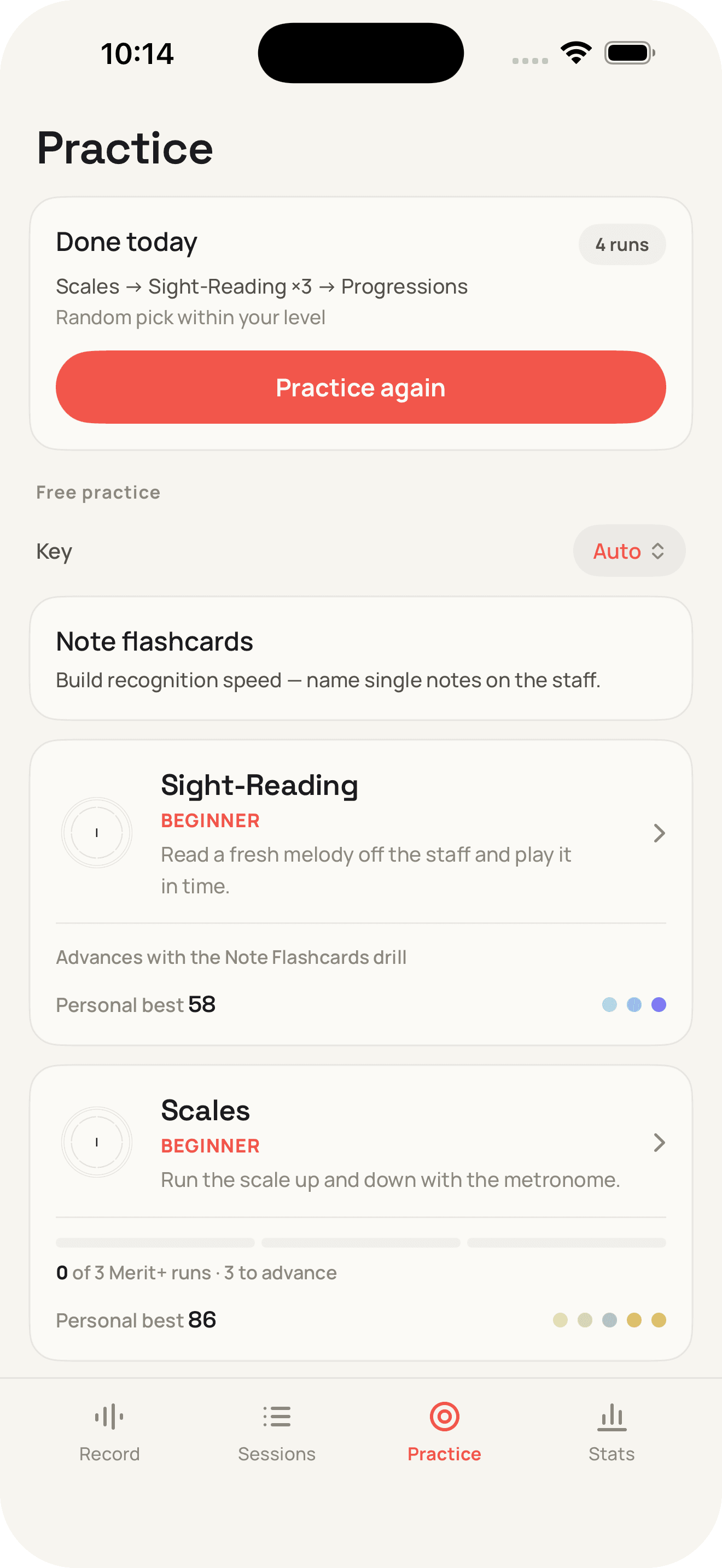
Practice · Drills that adapt to you
Generated, graded challenges meet you at your level and nudge it up: pitch, timing, and the chords you keep avoiding. Daily streaks and harmonic coverage keep you honest.
Plug in. Press play.
Bring any MIDI keyboard. MIDICast handles the rest and shows you the music you've been making all along.
 Free to download · iPhone & iPad